Frequently Asked Question
How do I activate share to email function?
Last Updated 2 years ago
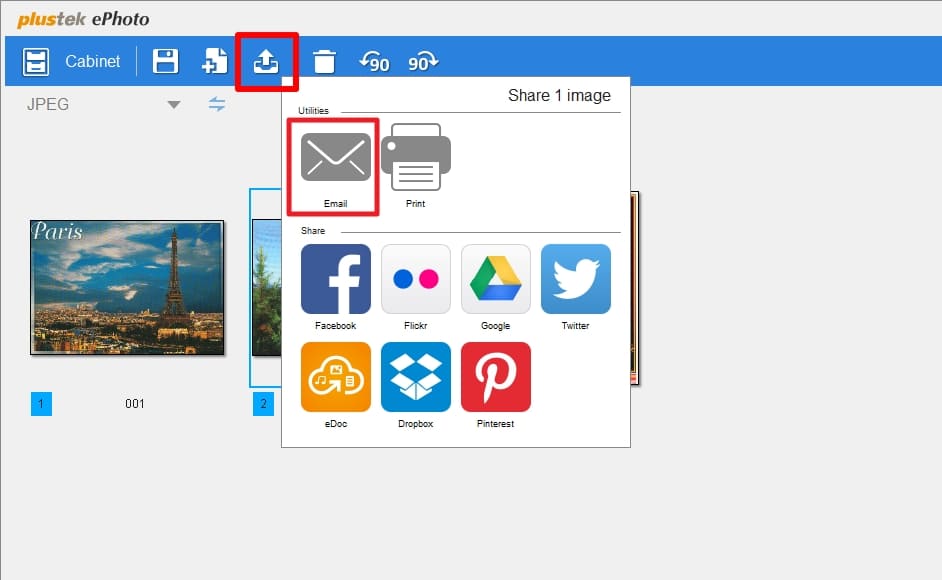
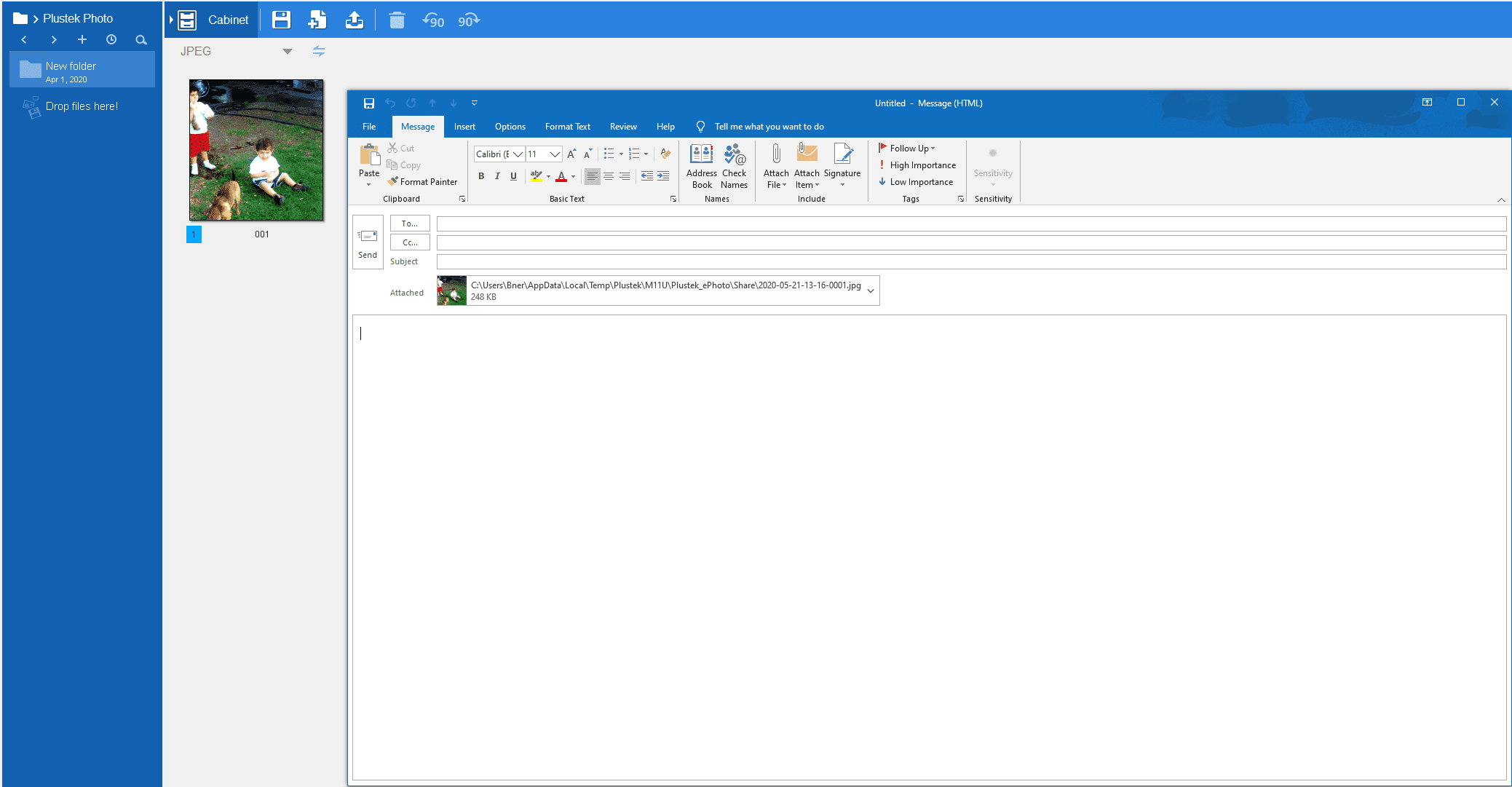
1) Please ensure that you have Outlook software installed and logged in with your email account before sharing a scanned image via email. Then, click the email function icon under File output to send the image through email.