Frequently Asked Question
How do I save a file to “Photos” on my Mac?
Last Updated 2 years ago
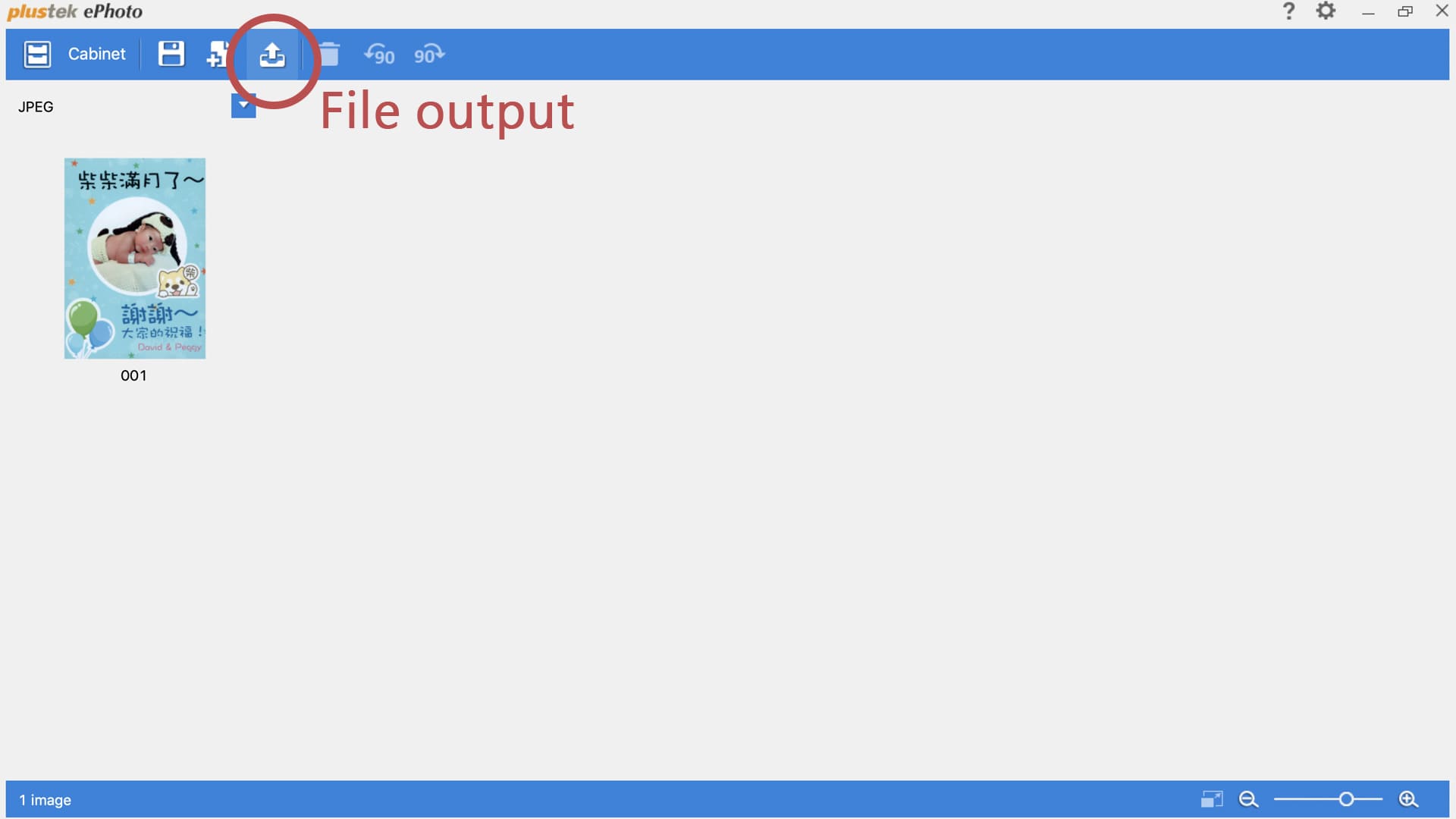
1. Please scan a picture and select “file output” function.
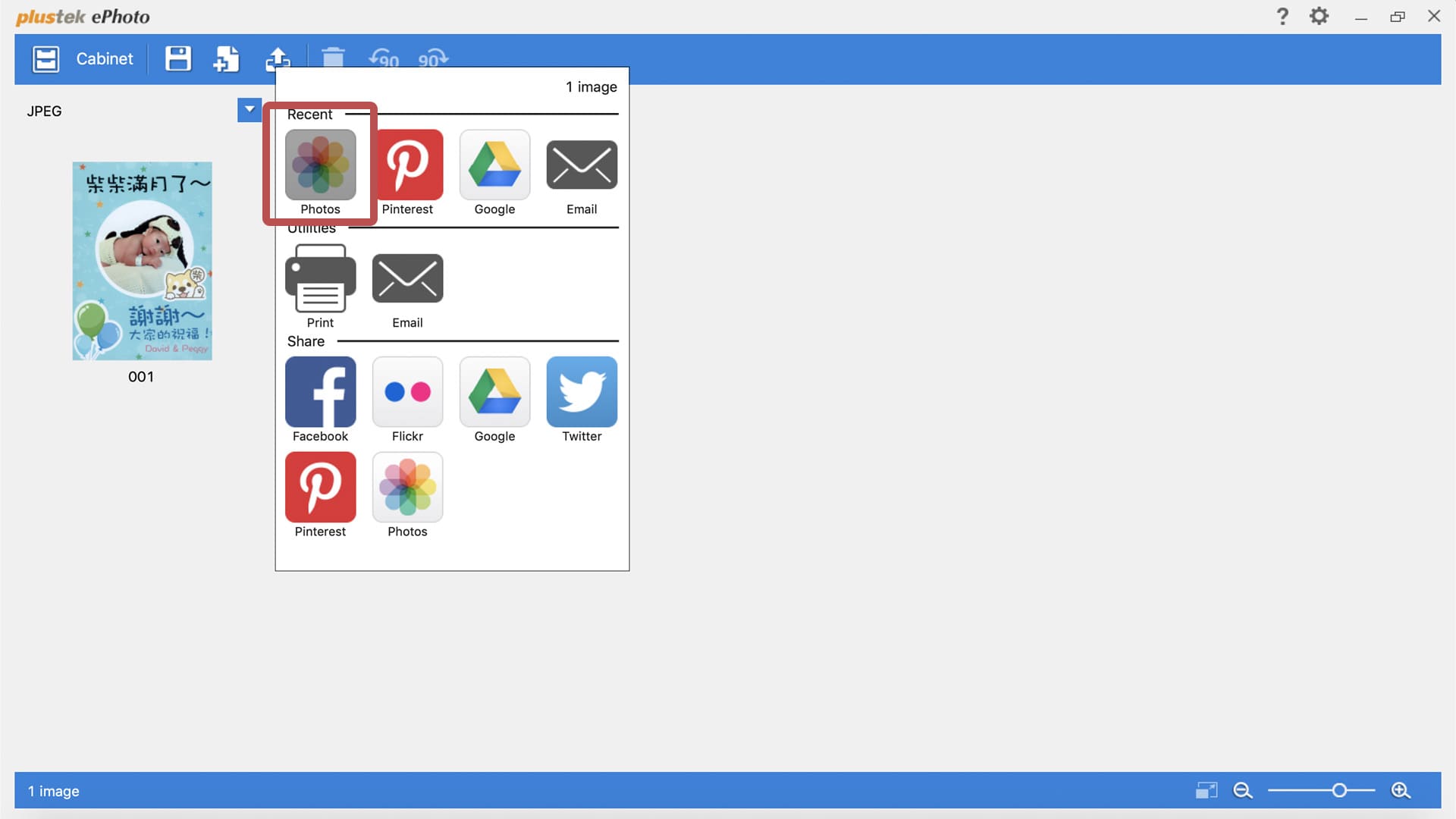
2. Select “Photos” application
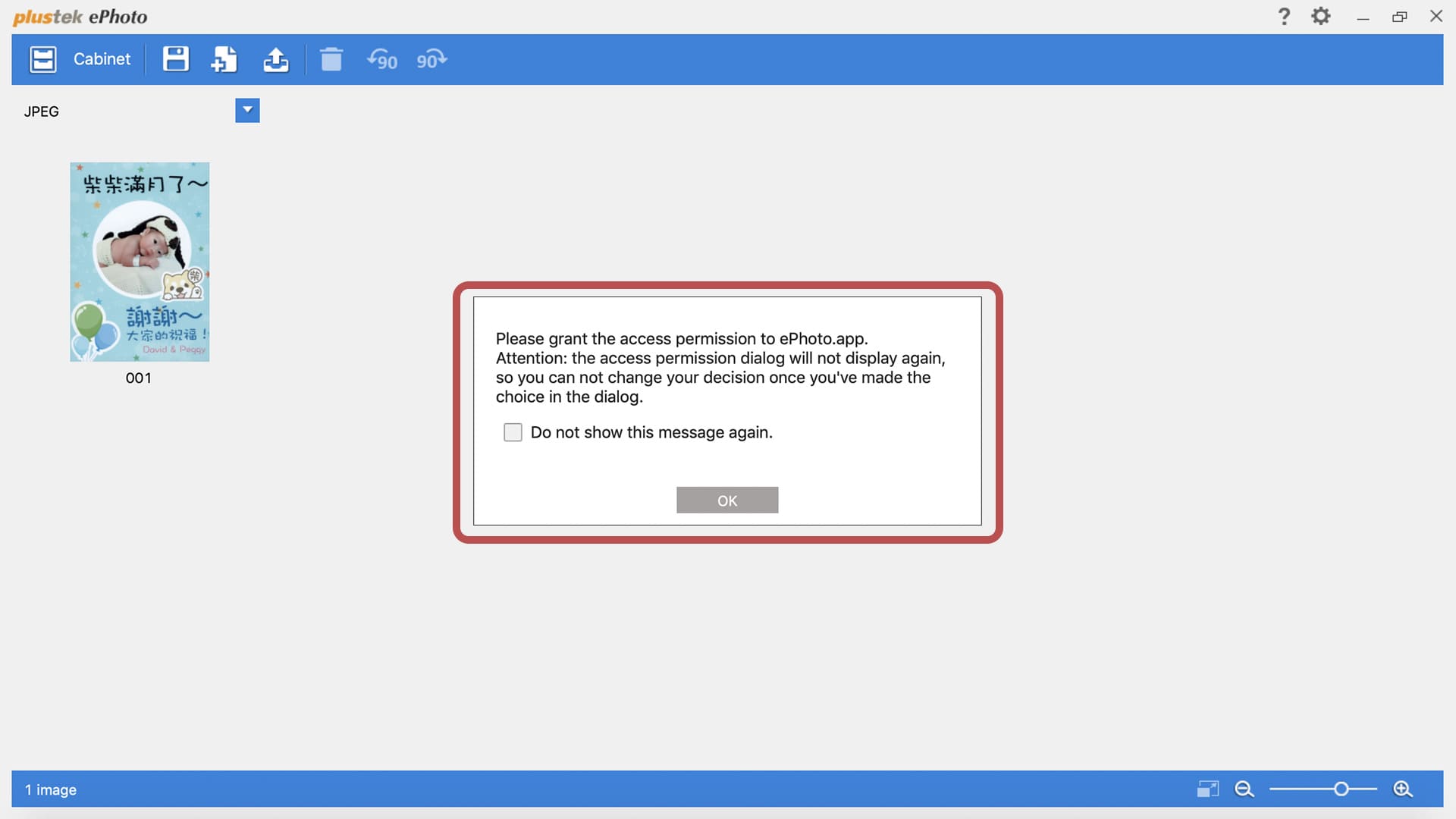
3. It will pop up dialogs for ePhoto requesting your permission to access system events. You must follow the dialogs and grant permissions one by one.
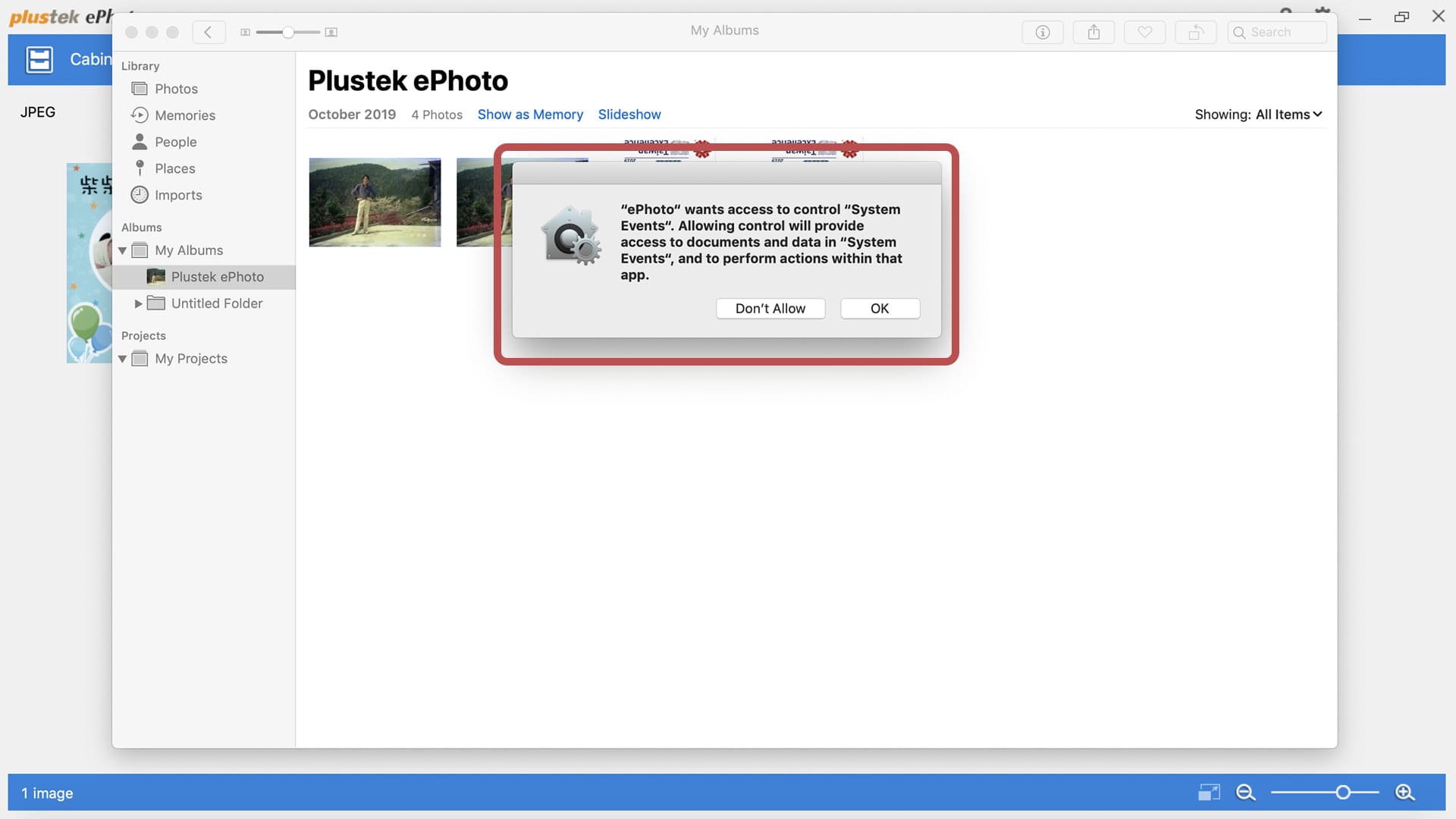
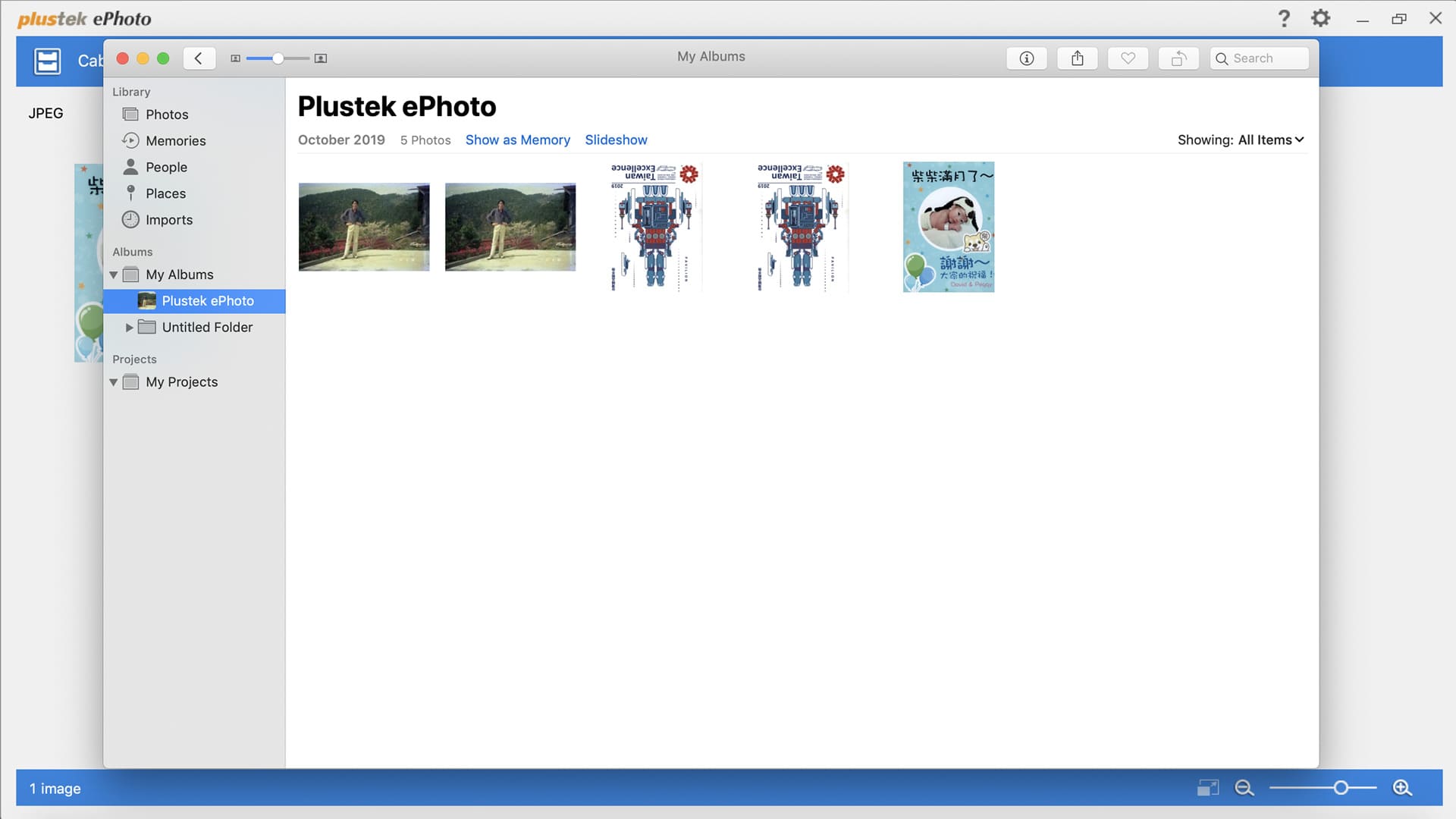
4. After obtaining permission, the scanned image will be saved directly to "Photos".