Frequently Asked Question
How to unzip files using Windows 10?
Last Updated 2 years ago
Original Link: https://plustek.com/content/en/faq/unzip-file.php
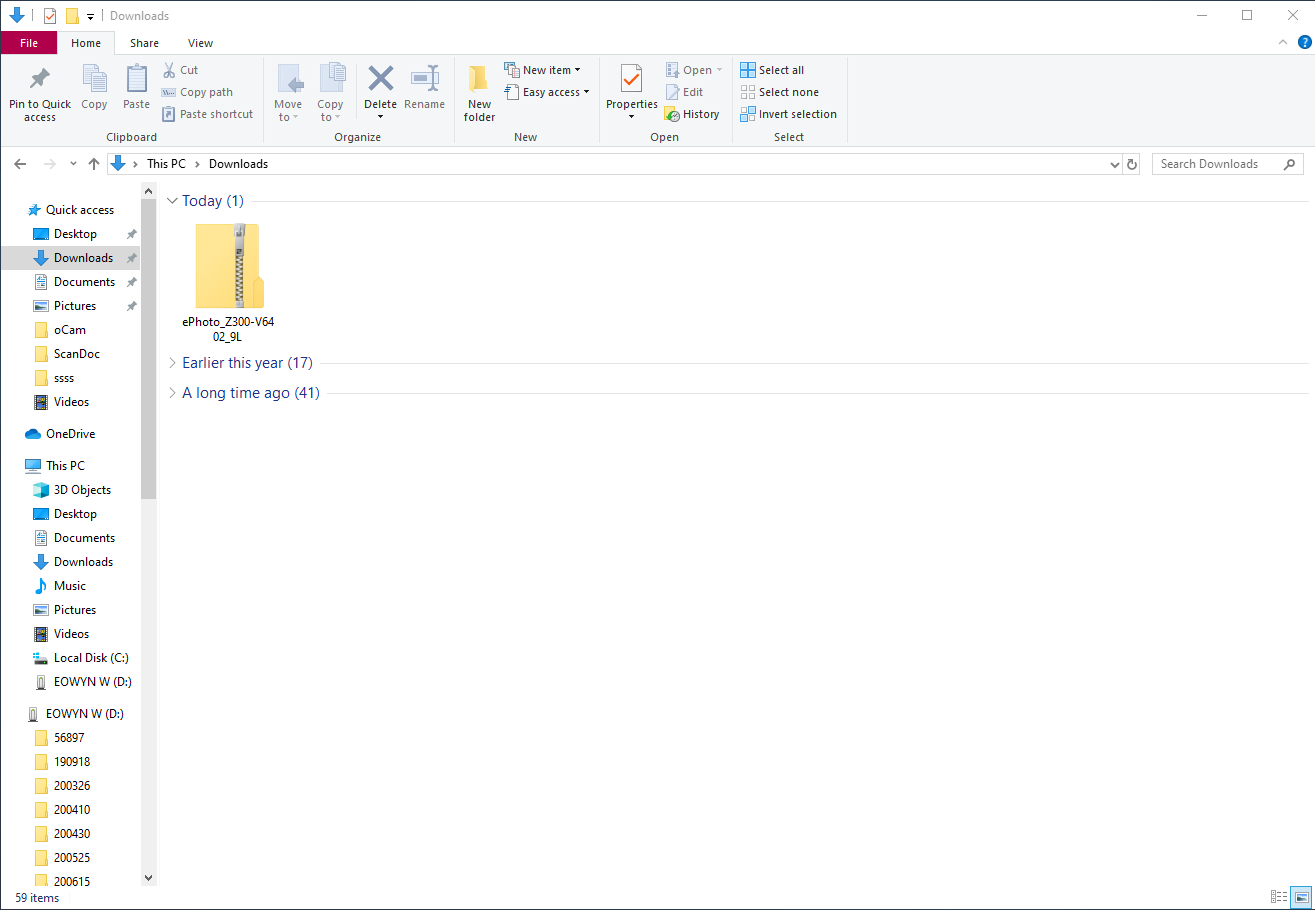
1. Go to the folder where you downloaded the zip files from Plustek.
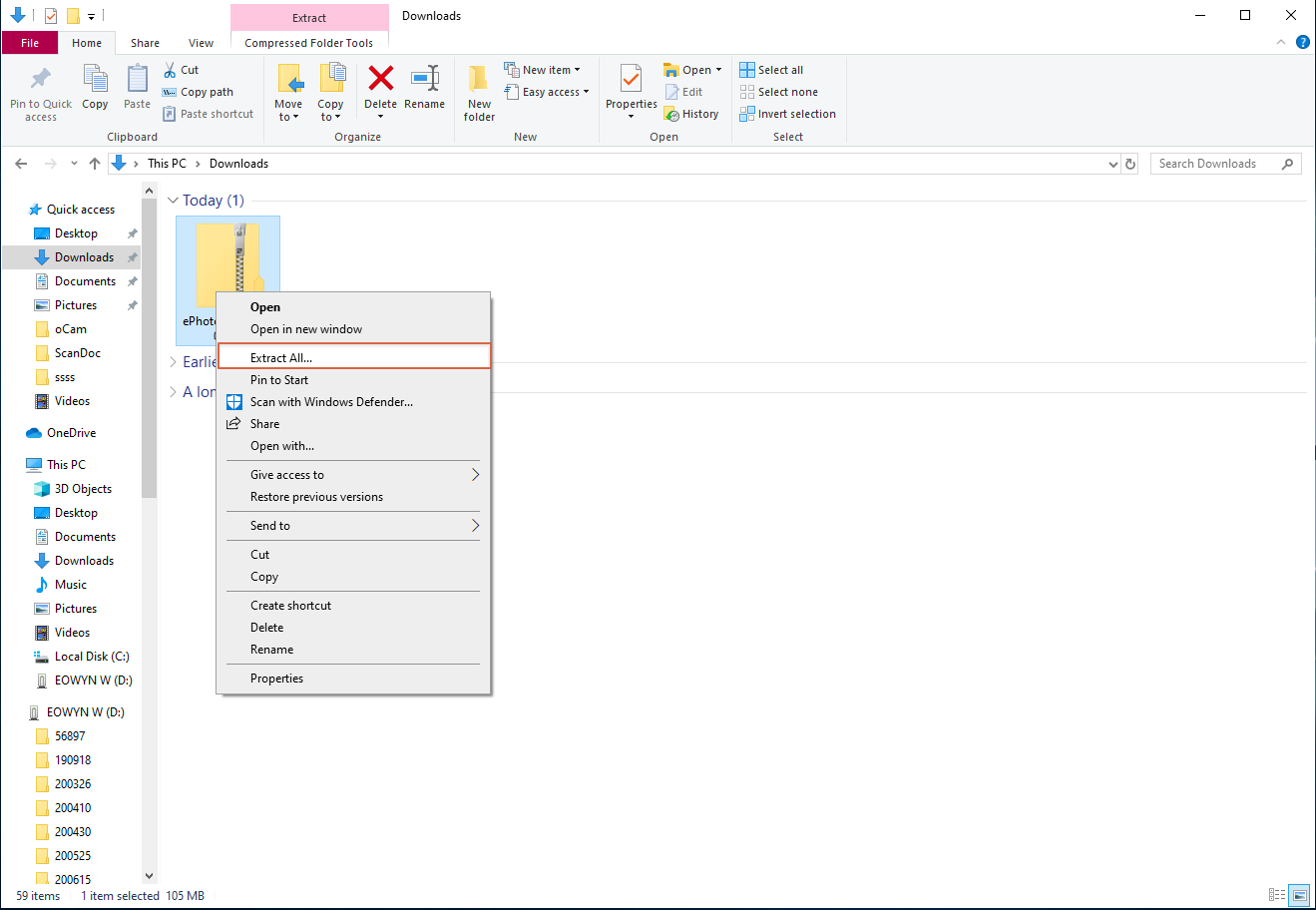
2. Right-click the compressed (zipped) folder, select Extract All from the context menu
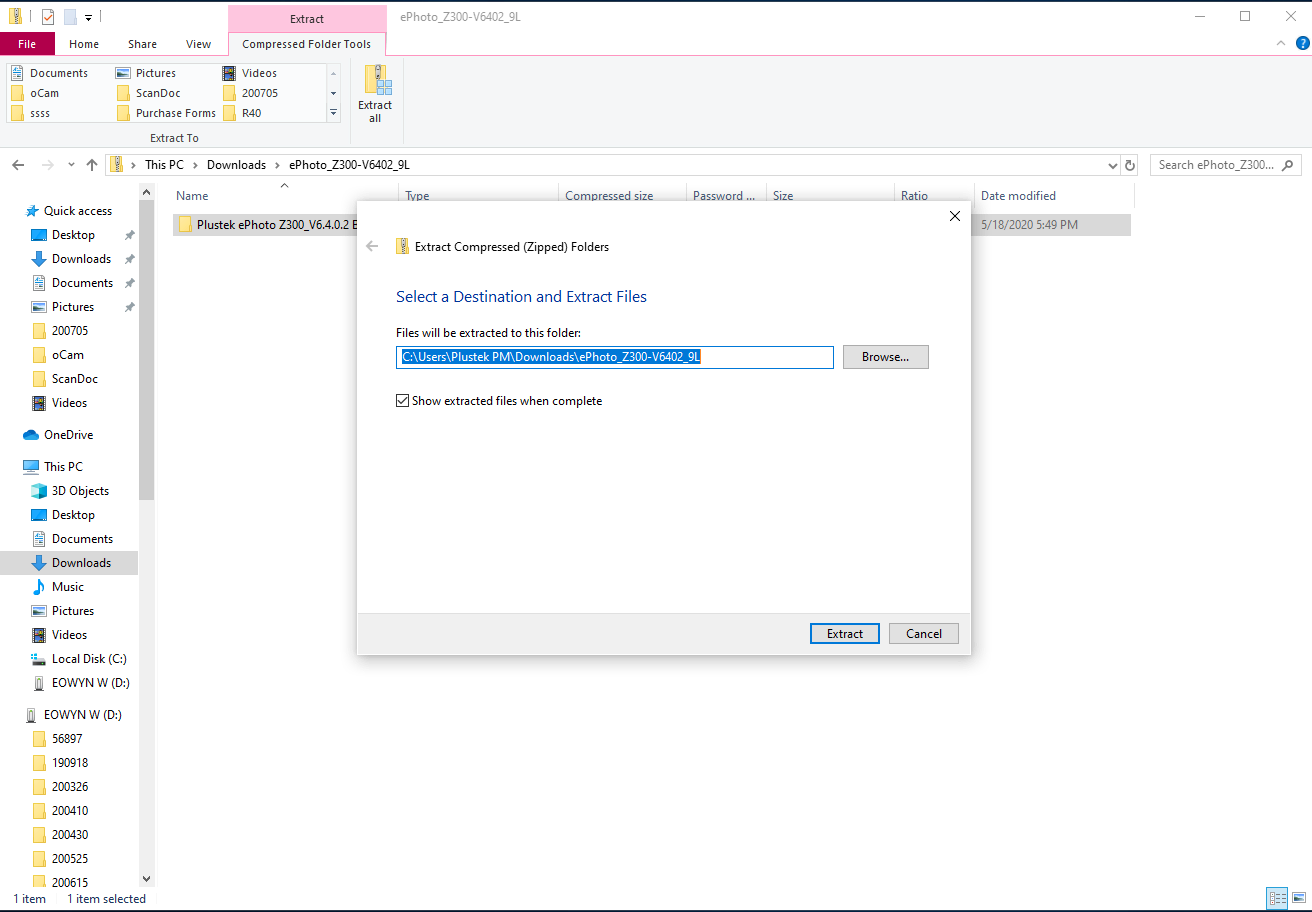
3. By default, the compressed files will be extracted in the same location as the zipped folder. Click "Extract" to proceed.
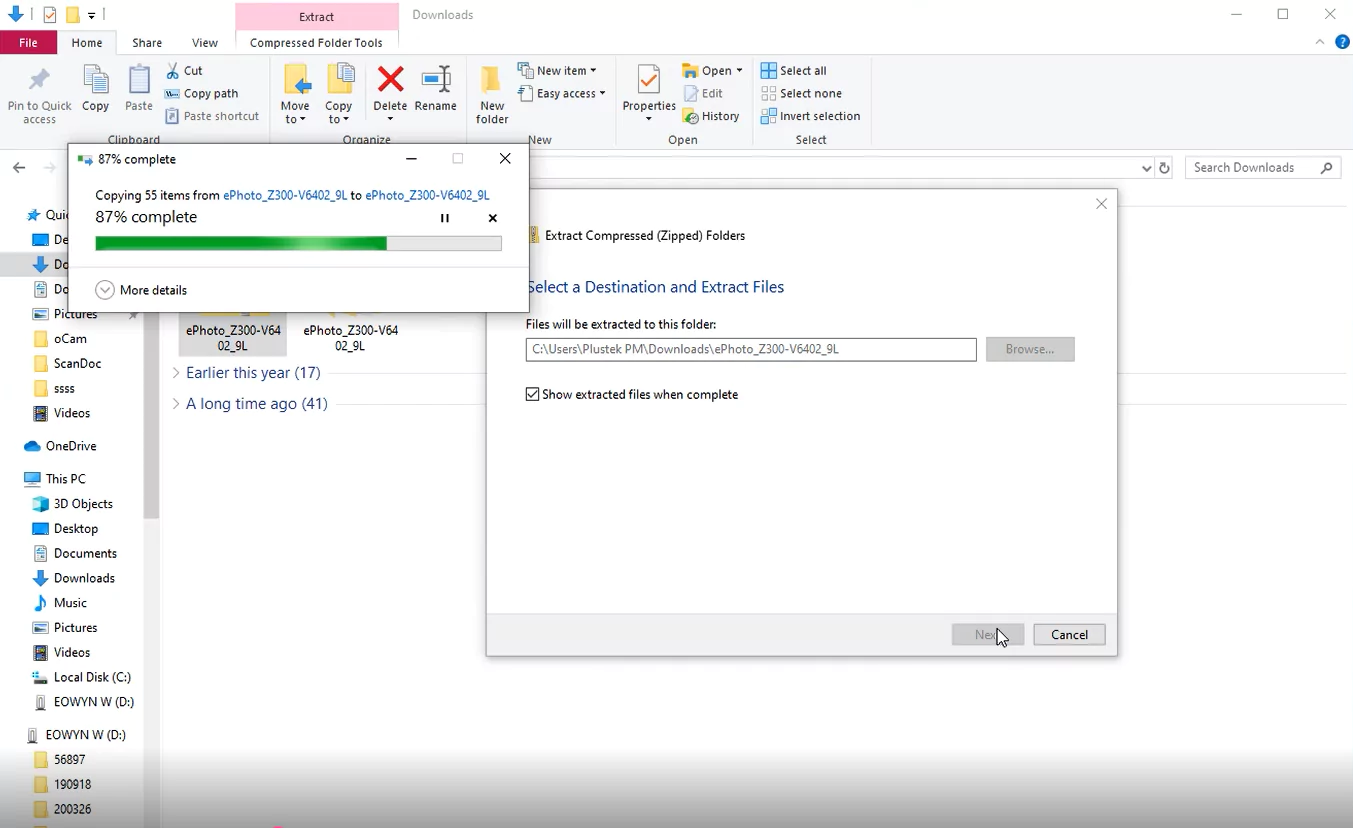
4. The extracted file will appear in the same location as the zipped folder.
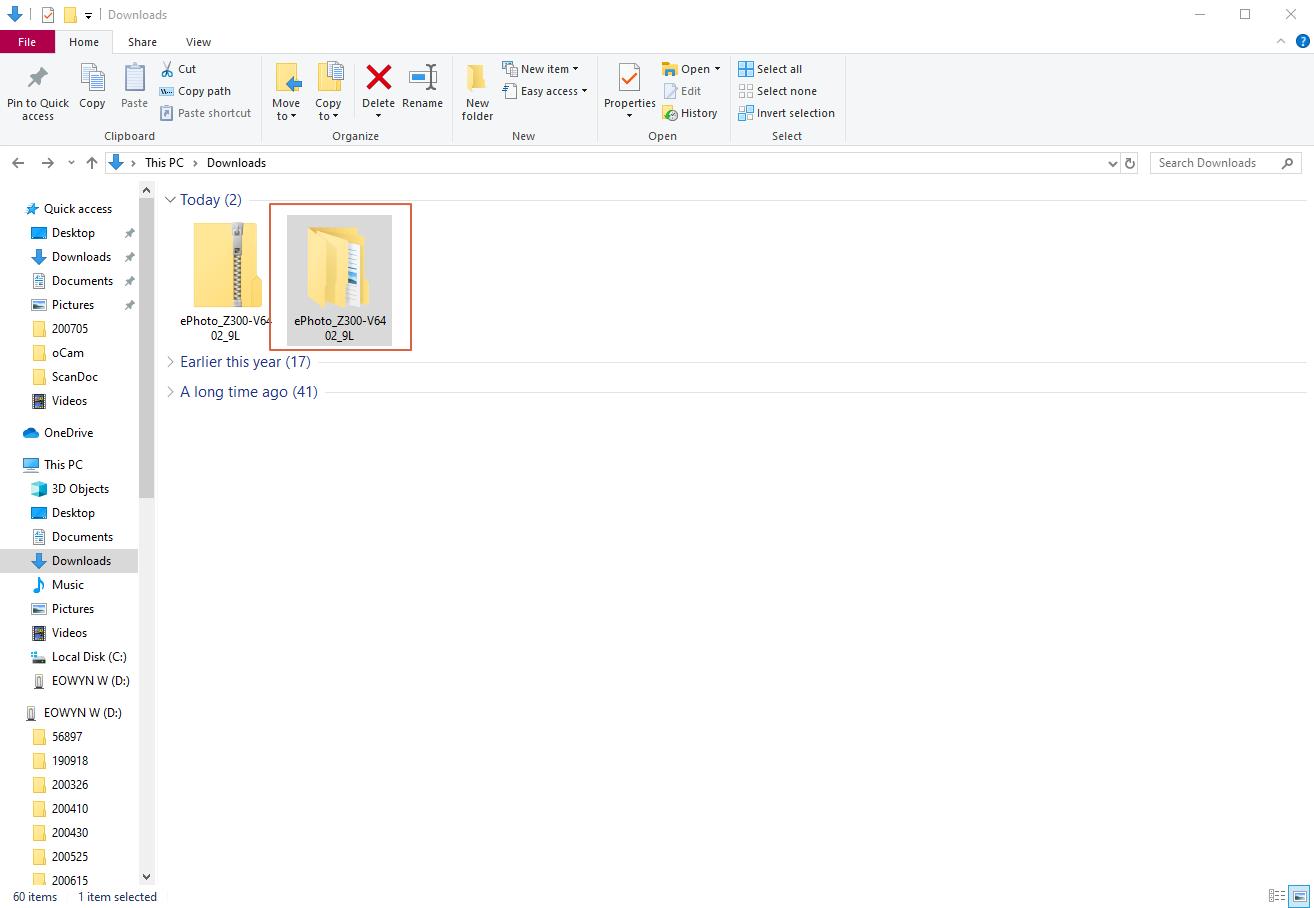
5. Click the extracted folder to open it. Inside, you will find another folder. Click into this folder again.
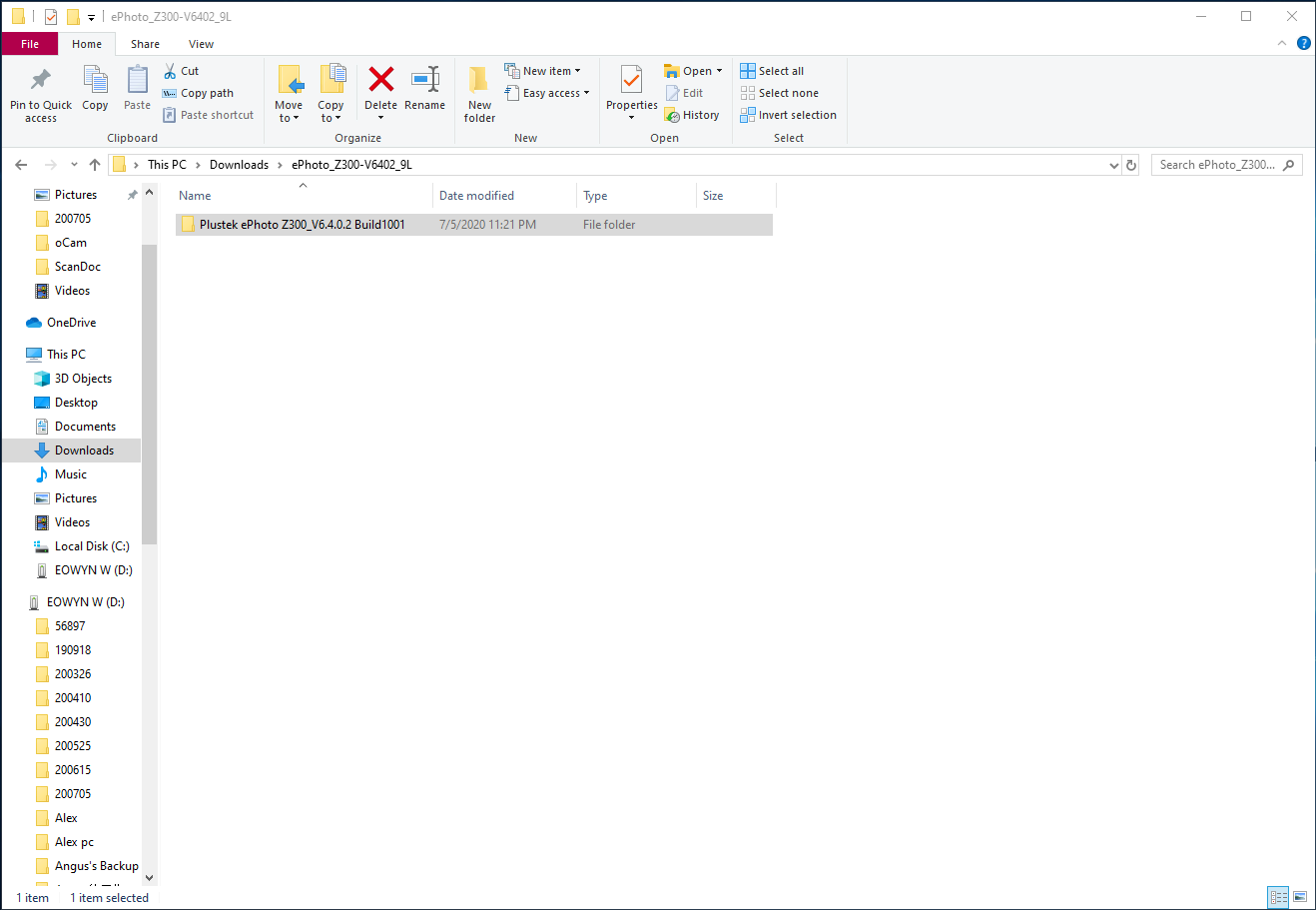
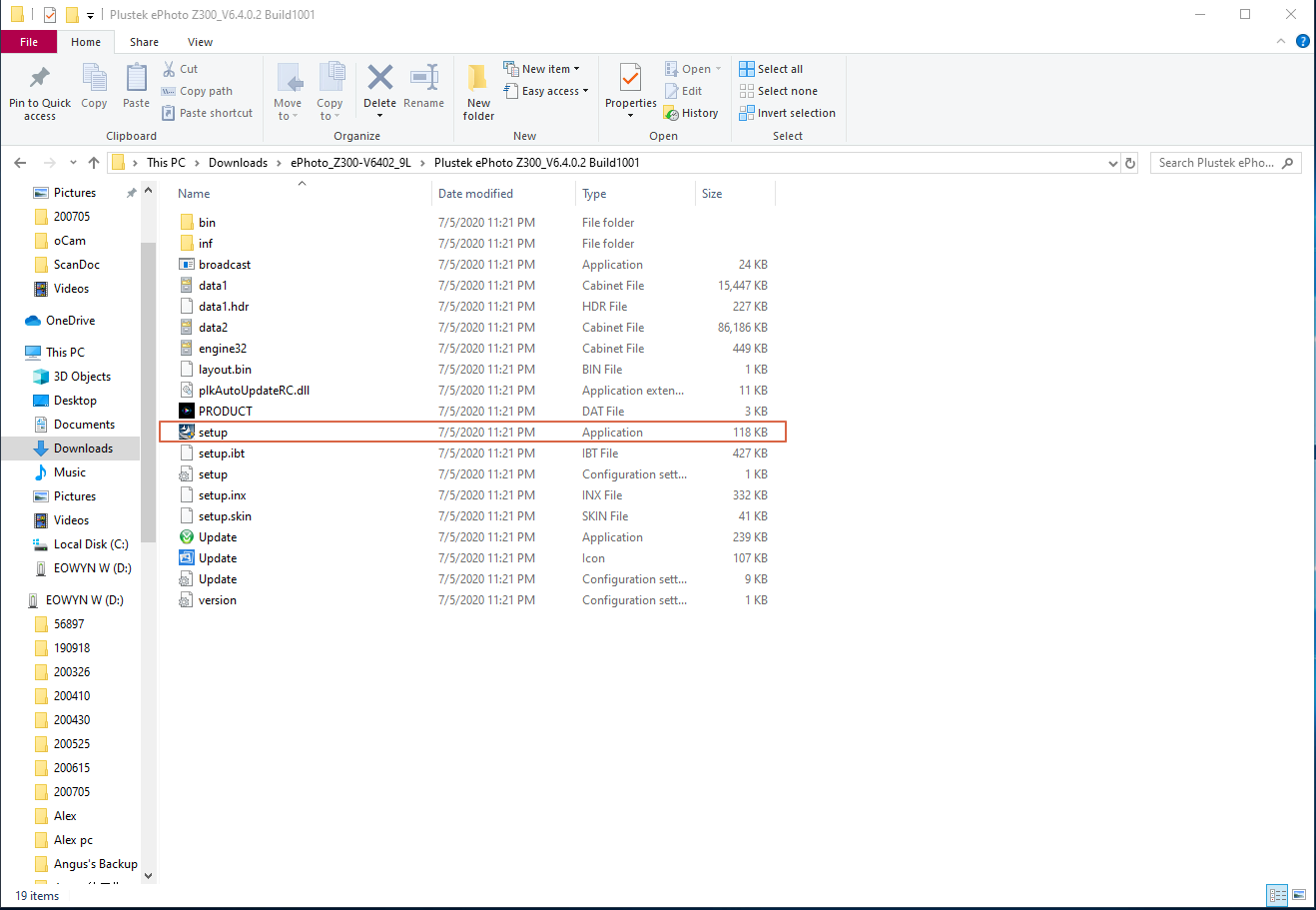
6. Click setup.exe or the file with name setup with type as Application.