Frequently Asked Question
How should I proceed if my computer or QuickScan Plus cannot detect the scanner?
Last Updated 2 years ago
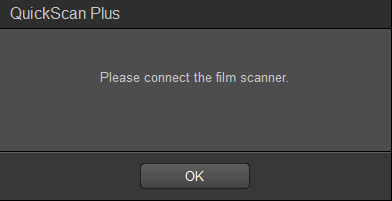
If the scanner is not detected by QuickScan Plus, it will prompt you to connect the scanner when you press the 'Scan' button in the software:
Check the connection of the USB cable between the computer and the scanner (Do not use a USB hub).
Make sure the scanner is power on. Please try manually installing the software, if the device did not install the driver properly (for Windows OS):
- Right-click on Windows Start button and go to Device Manager.
- In the Device Manager window, right-click on the scanner under Other devices and select Update Driver Software.Click "Browse my computer for driver software".
- Select the folder or the CD/DVD-ROM drive that contains this scanner’s driver and manually run the install.exe file.